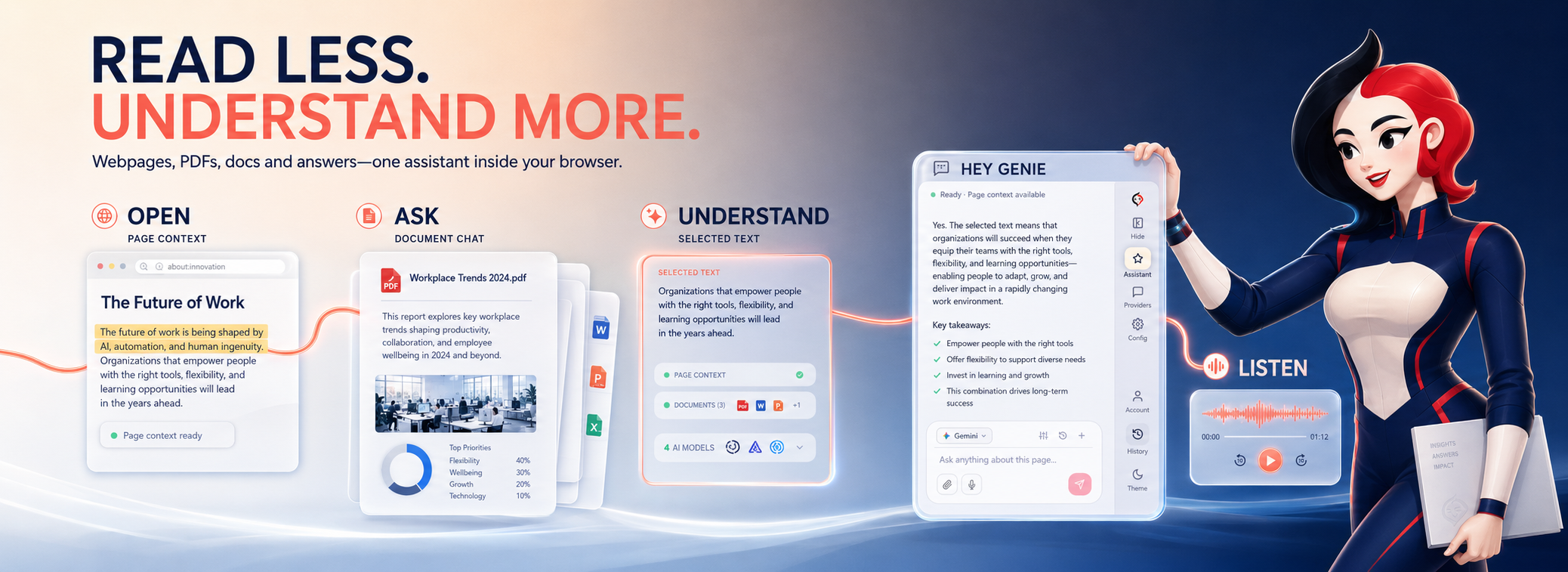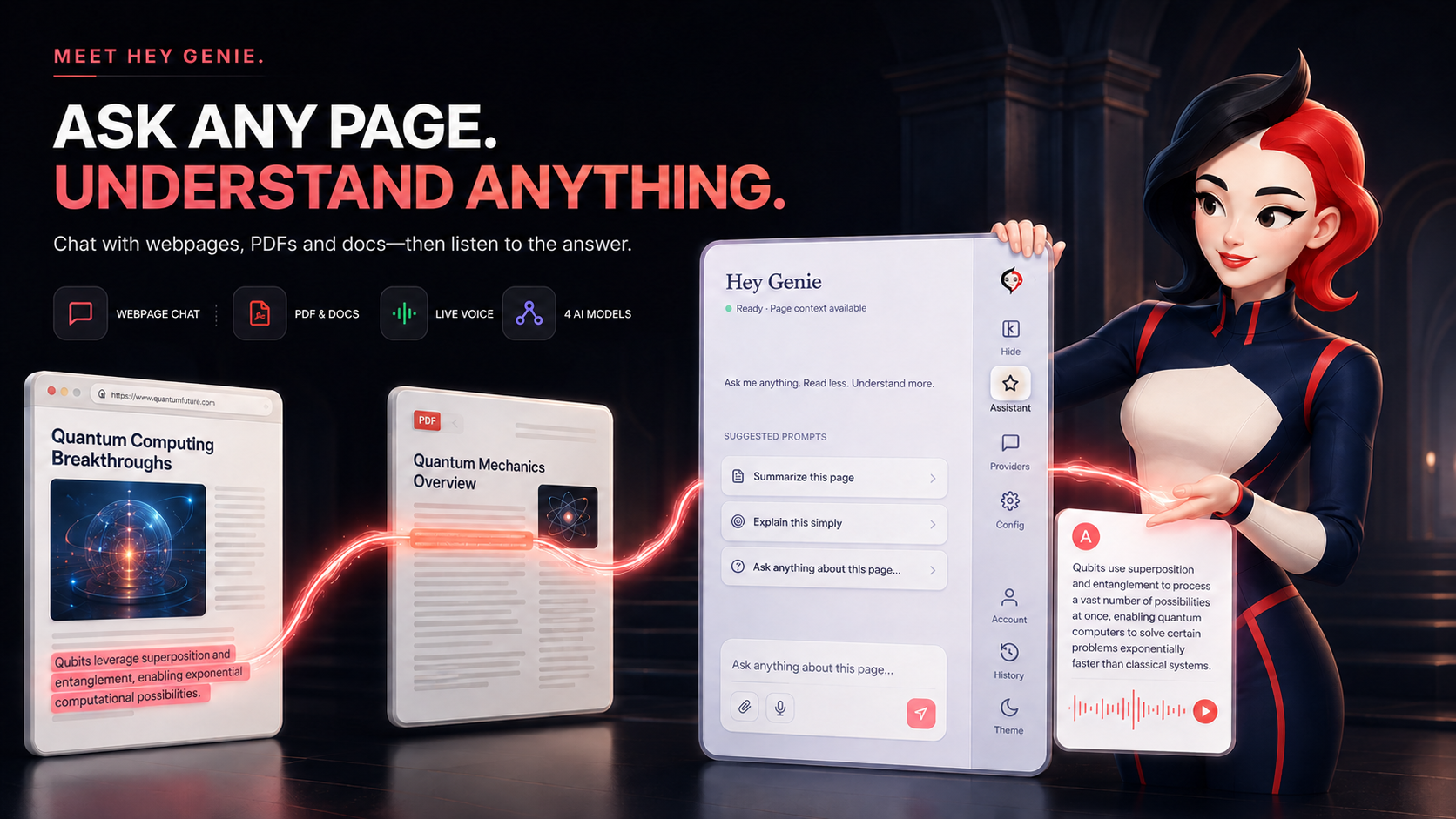
A unified AI sidepanel built directly into your browser. Chat with webpages, analyze documents, and query ChatGPT, Grok, Gemini & Pi side-by-side with your active tab.
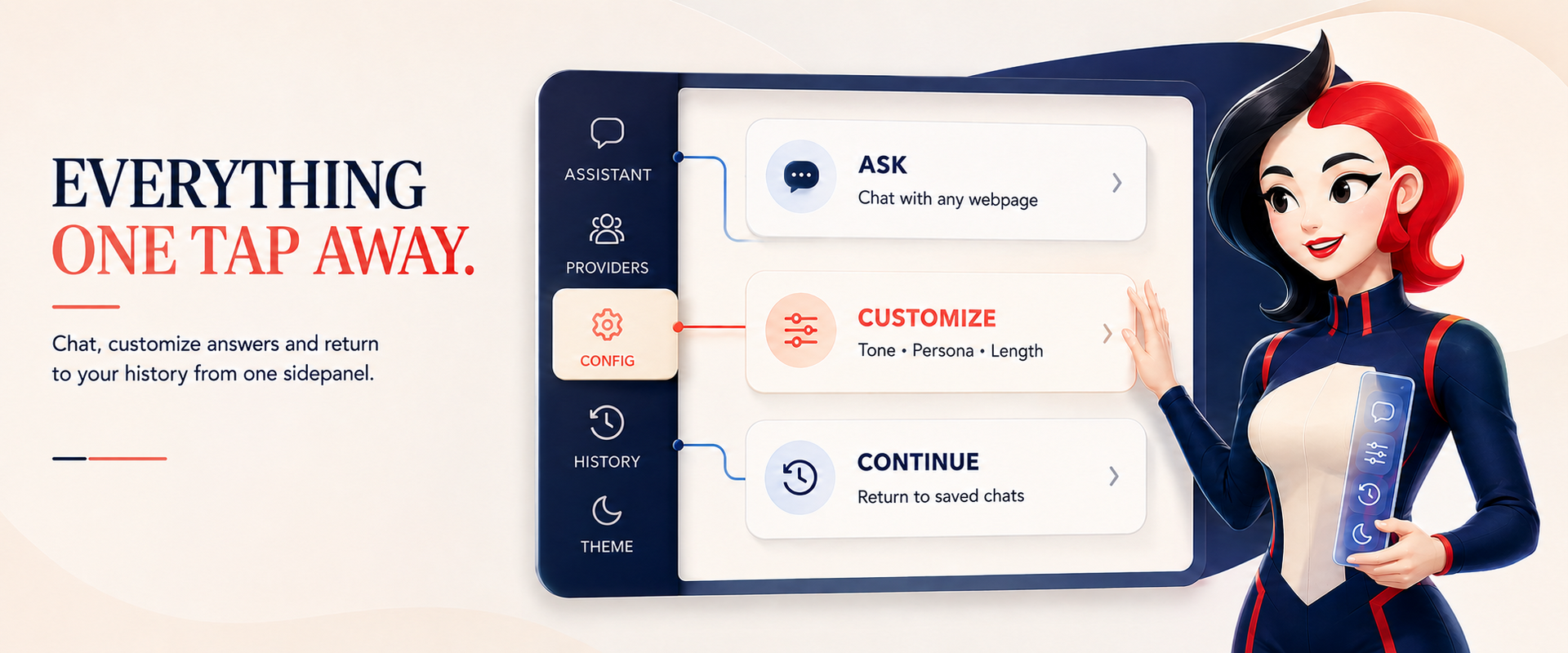
Access your preferred AI models side-by-side with your browsing session. Switch providers, toggle tone parameters, and browse chat archives with a single click.

OpenAI's conversational model for quick text replies and voice feedback.

xAI's model optimized for real-time web search and information analysis.

Google's multimodal model for deep webpage context and document parsing.

Inflection's conversational assistant for interactive brainstorming and ideas.
Ask questions directly about the active webpage. Hey Genie scans the page context to provide precise answers without switching tabs or losing your reading flow.
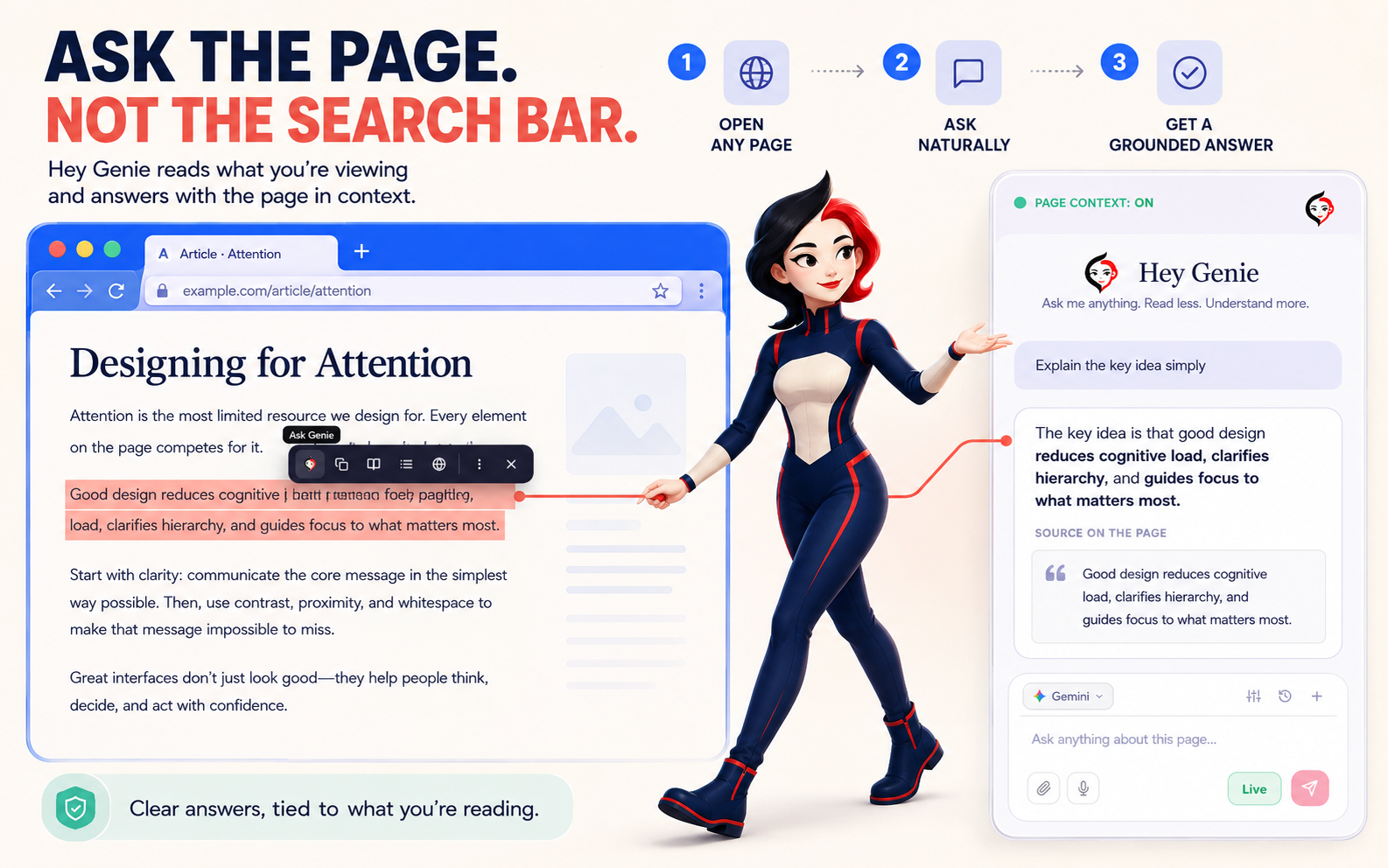
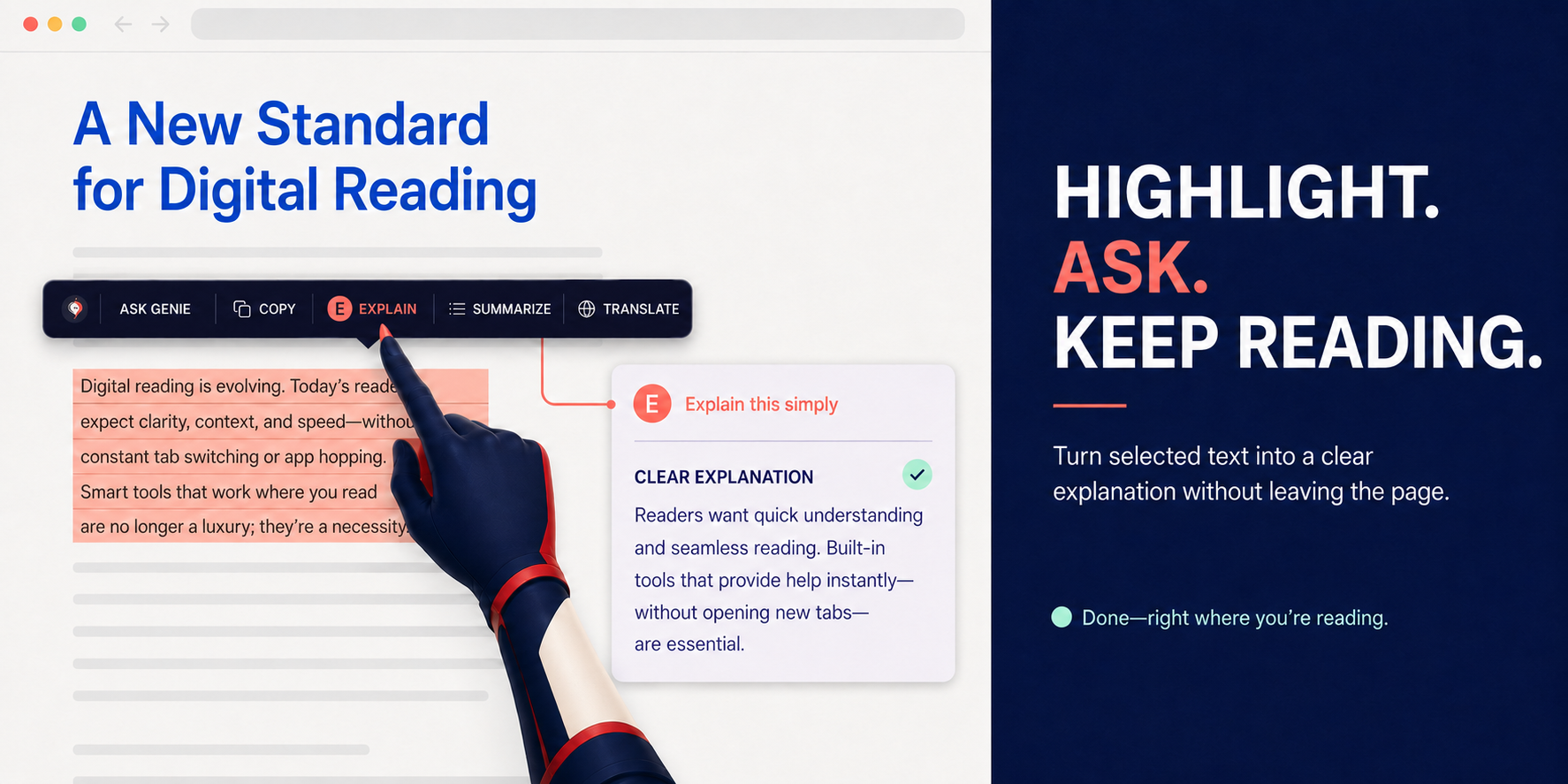
Select text on any webpage to trigger the in-line shortcut menu. Get instant explanations, summaries, or translations right where you are reading.
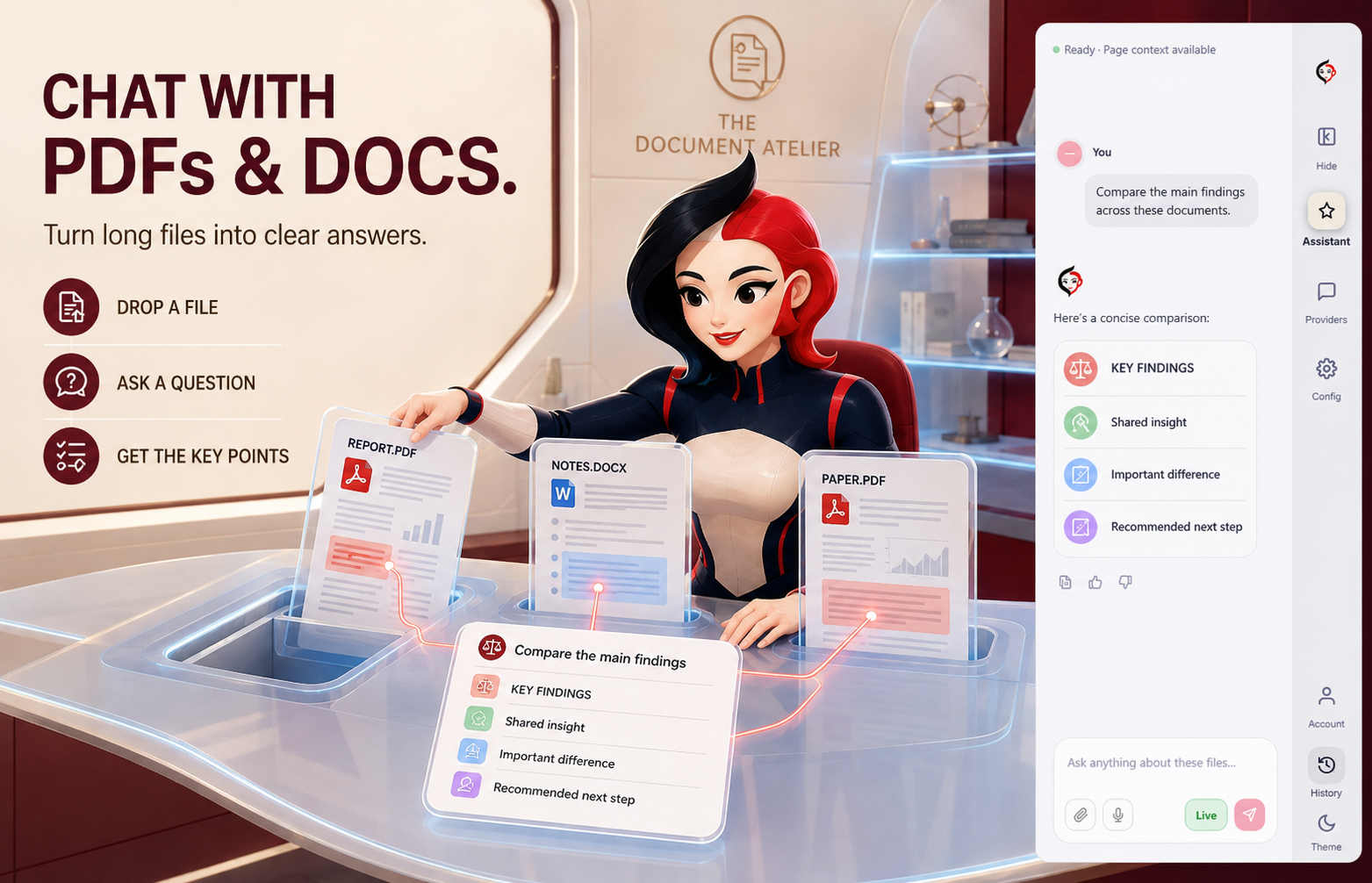
Upload PDFs, text files, and spreadsheets directly into the workspace to chat, summarize, and cross-reference your files alongside active webpage research.
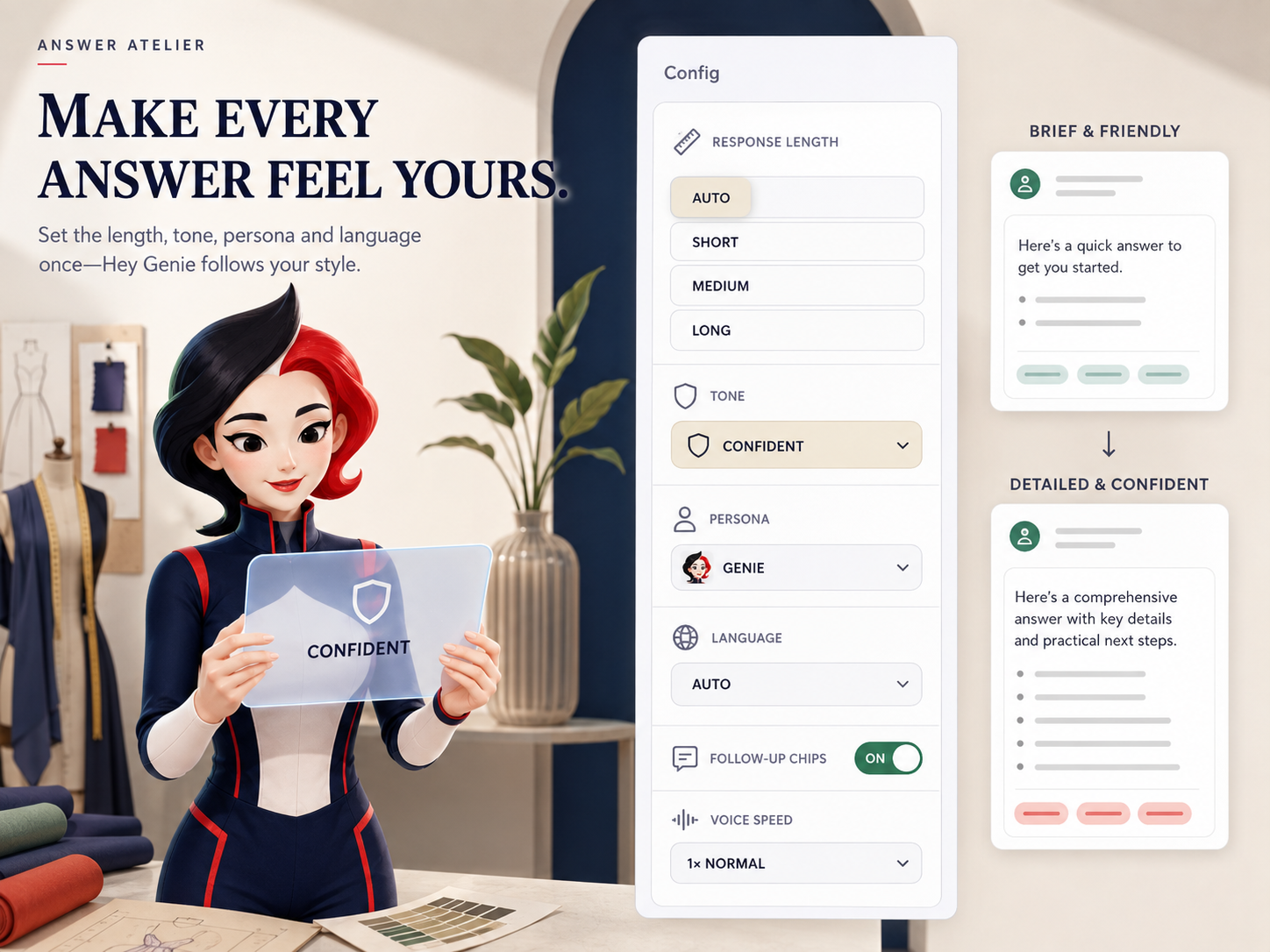
Customize response length, tone, language parameters, and assistant persona. Hey Genie adjusts its outputs to match your custom writing preferences.
Start for free and upgrade to Pro inside the extension sidepanel whenever you are ready.
Essential AI tools for casual everyday browsing.
Unlimited power for deep research and voice chat.
Includes a 3-day free trial
Yes! The Free plan gives you 200 daily AI credits (a text reply costs 8 credits, a voice reply costs 12 credits). You get full access to all four AI providers, page context, the highlight toolbar, and basic document chat. No payment or account required to start.
Live Voice Mode gives you a hands-free conversation experience. Tap the Live button, speak your question using Chrome's built-in speech recognition, and the AI responds with direct native audio streaming from your selected provider. It automatically listens for your next question after speaking, creating a natural back-and-forth conversation.
Yes! You can upload PDFs, Word (.docx), Excel (.xlsx), PowerPoint (.pptx), RTF, images, and plain text files using the paperclip button. You can also just open a PDF in a browser tab and Hey Genie will read it automatically. All file parsing happens locally in your browser. Images are read using Chrome's built-in on-device AI model, so they never leave your device.
When you select text on any webpage, a floating toolbar appears with quick actions like Explain, Summarize, Translate, and more. It sends only the selected text to your AI provider for an instant response, without needing to open the side panel or type a full question.
Absolutely. All communication happens directly between your browser and the official AI providers. We do not operate any intermediate servers. Your queries, page content, and uploaded files are never sent to or stored on any server owned by the developer. All preferences and chat history are stored locally on your device.
Yes! Press Ctrl+Shift+Y (or Cmd+Shift+Y on Mac) to instantly open the Hey Genie side panel on any page. You can also right-click any selected text and choose "Ask AI about the selected text" or "Summarize the selected text" from the context menu.
No, an account is completely optional. You can use the Free plan without creating an account. An account is only needed if you want to subscribe to the Pro plan. You can create one using email/password or Sign in with Google.